Agentic Commerce Has a Trust Problem
Agentic commerce has a trust gap: Visa found only 20-30% would trust AI to buy staples. What Singapore FinTech Festival 2026 means for brands.
Open the thread →Singapore FinTech Festival 2026 Recap: AI Agents with bitbybit Studio
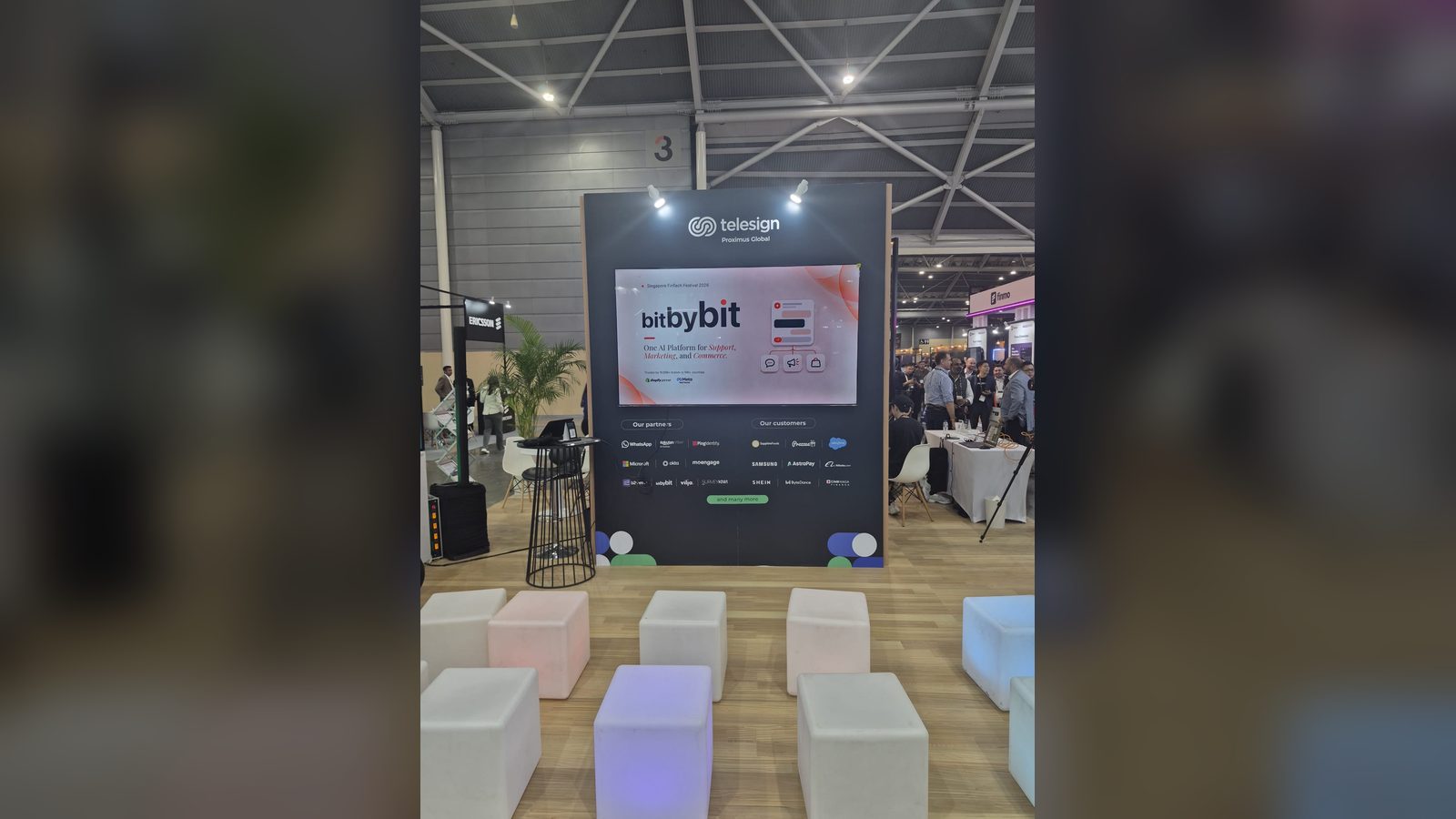
Our recap of Singapore FinTech Festival (SFF) 2026: three days showing AI agents with Telesign, and why trust was the big question.
Open the thread →
How to qualify WhatsApp sales leads for HubSpot
Plan a developer-built bitbybit handoff for HubSpot. Match WhatsApp buyers to contacts, assign sales tasks and test retries and support-only messages.
Open the thread →How to add WhatsApp AI chat to a Magento storefront
Add the bitChat widget to a Magento theme or headless storefront, connect a WhatsApp number, and test AI replies against the policies for each store view.
Open the thread →How to run WhatsApp marketing across Magento store views
Segment Magento buyers by brand, permission and language, then send the right WhatsApp template and store-view link with bitCRM. Includes a two-store test.
Open the thread →How to send Magento partial-shipment updates on WhatsApp
Connect a saved Magento shipment to the bitbybit API. Map shipped items, handle missing tracking, and prevent duplicate WhatsApp messages for a split order.
Open the thread →How to route WhatsApp quote requests to Odoo CRM
Plan a WhatsApp quote handoff to Odoo CRM. Map a buyer, sales team and follow-up activity, check Odoo 19 API access and test duplicate inquiries.
Open the thread →How to add WhatsApp chat and delivery updates to Odoo eCommerce
Add a bitChat widget to an Odoo website, connect WhatsApp, and plan parcel-specific updates from Odoo deliveries. Includes tests for split shipments.
Open the thread →How to add WhatsApp AI chat to an OpenCart storefront
Install the bitChat widget in your active OpenCart theme, select the workspace for each shop, connect WhatsApp and test product questions on each storefront.
Open the thread →How to run WhatsApp marketing for an OpenCart multistore
Build a separate WhatsApp audience for each OpenCart shop. Match orders to store IDs, check marketing permission and send a branded campaign through bitCRM.
Open the thread →How to send OpenCart order updates on WhatsApp
Use the OpenCart 4.1.0.3 order-history event to check the saved dispatch status, map the right store and send one approved WhatsApp message through bitbybit.
Open the thread →How to add WhatsApp AI chat to a WooCommerce store
Install the bitChat widget on WordPress, connect WhatsApp, and teach your WooCommerce AI agent how to answer product questions about sizes, exchanges and stock.
Open the thread →How to reach WooCommerce guest buyers with WhatsApp marketing
Build a WhatsApp campaign for WooCommerce guests and account holders. Check purchase history, permission and refunds before scheduling an offer in bitCRM.
Open the thread →How to send WooCommerce shipping updates on WhatsApp
Connect a WooCommerce fulfillment event to the bitbybit Messaging API. Handle split parcels, virtual orders and replays before sending a WhatsApp update.
Open the thread →How to connect PrestaShop to the bitbybit API
Connect the PrestaShop Webservice to the bitbybit Customers API. Set permissions, map one test contact, update it, and verify the result in both systems.
Open the thread →How to add WhatsApp AI chat to your PrestaShop store
Add the bitbybit chat widget to your PrestaShop product pages, connect WhatsApp, and teach your AI agent how to answer exchanges and delivery questions.
Open the thread →How to run a WhatsApp marketing campaign for your PrestaShop customers
Build an opted-in audience from your PrestaShop customers, choose an approved WhatsApp marketing template in bitCRM, and check replies and campaign results.
Open the thread →How to send PrestaShop shipping updates on WhatsApp
Connect a PrestaShop shipping status to an approved WhatsApp template in bitbybit. Follow the event, map the order reference and check for duplicate updates.
Open the thread →Which social conversations deserve paid media credit?
Compare the cost per inquiry with the cost per matched paid order across Instagram and Messenger, and account for shoppers who use more than one channel.
Open the thread →What your product page can learn from Instagram DMs and website chat
Use questions from Instagram DMs and website chat to decide what belongs on your product page, then check the effect on inquiries, sales and returns.
Open the thread →Should this customer receive a loyalty reminder today?
Decide who should receive a reward reminder after a redemption, refund or complaint, and measure repeat orders alongside reward cost and unsubscribes.
Open the thread →